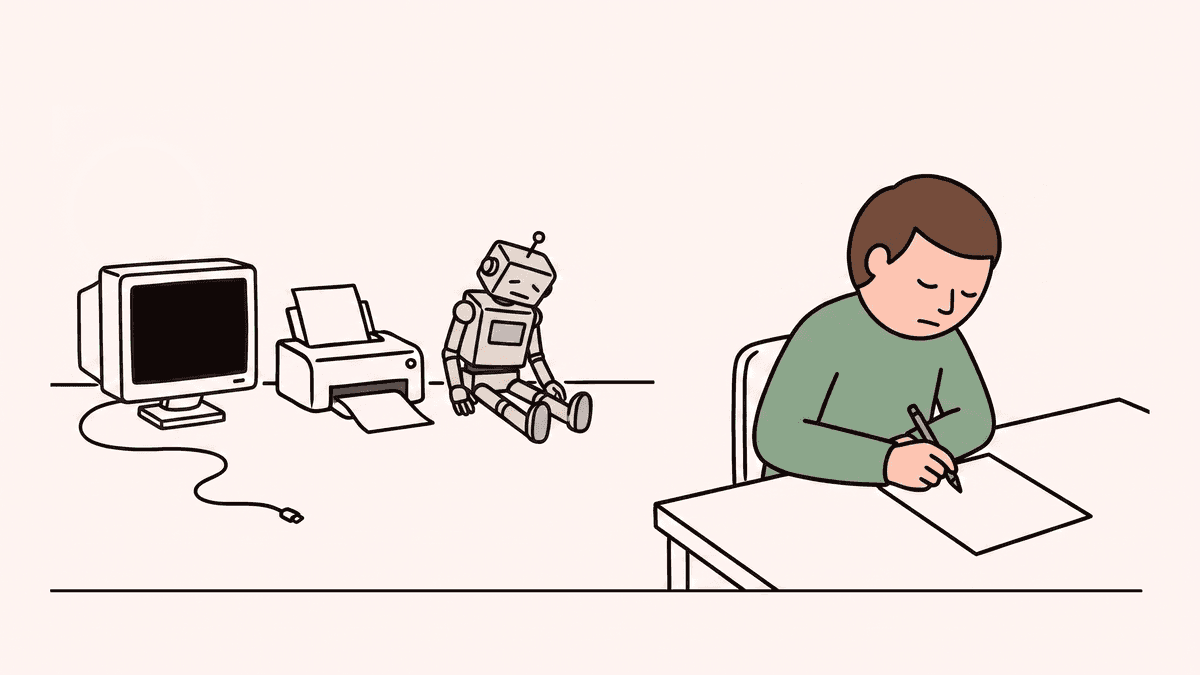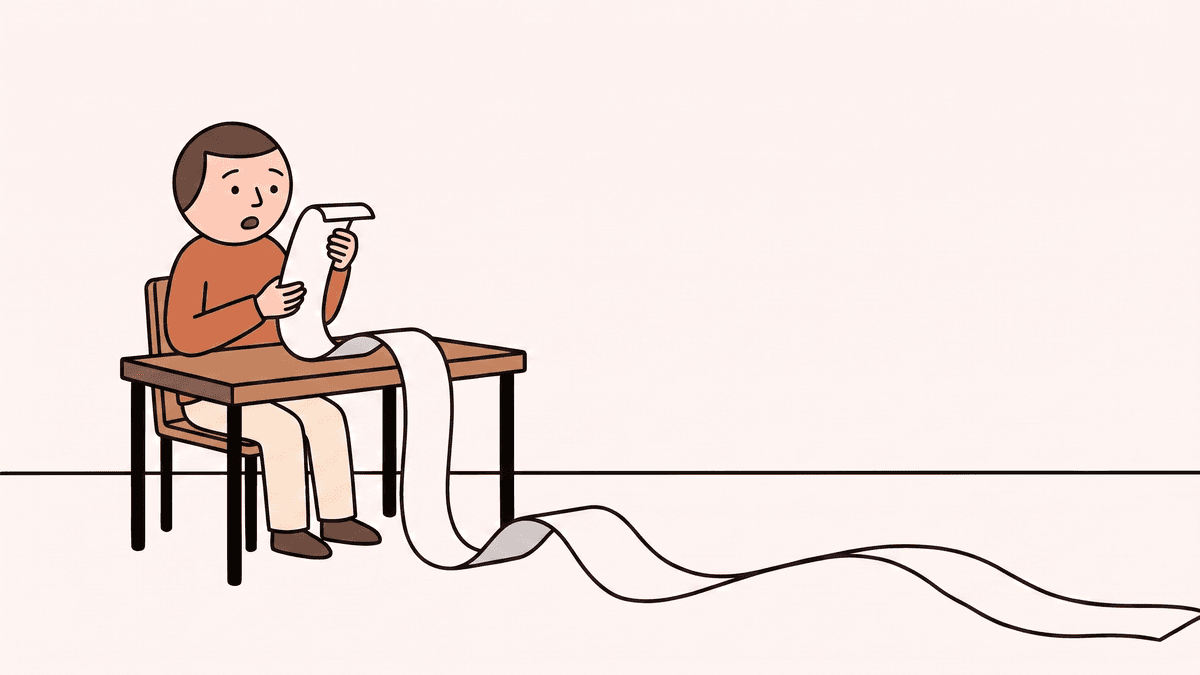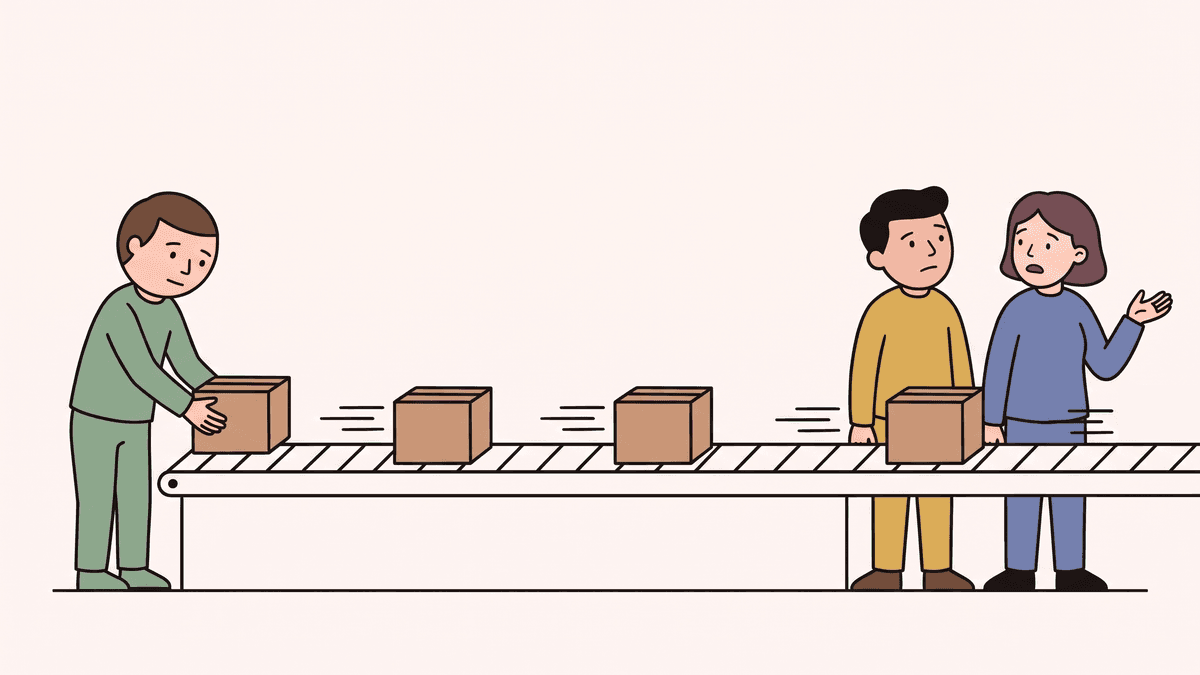
A sales rep is halfway through a demo when they land on a screen they've never seen. It changed four hours ago. The prospect is watching, the rep says "that's new, let me check with the team", and the demo loses its momentum.
When your team ships several times a day, the people who talk to customers can't keep up with every change.
Most teams already know this, and most try to fix it with AI. They ask Claude what changed, or build a small automation that posts a summary of every change to Slack. Both look like the problem is solved. Neither is, and this post is about why, and how to keep teams updated on product changes automatically in a way people actually use.
Why asking Claude isn't enough
Claude is good at answering a question about your code, and with the right setup it can show you where in the code the answer came from. The catch is that it's reactive. It helps when you know what to ask, and the changes that cause trouble are the ones you never heard about.
Each answer also lives in one person's chat. The sales lead, the support team and the PM each ask in their own conversation and get their own version. You can save a chat, but it's still yours, not the team's.
Tracing how a feature changed over a few weeks takes a while, and what comes back is a long technical answer you still have to read. If you need to be sure it's right, you end up reading the code anyway.
What a chat doesn't do is keep a shared, up-to-date picture of the product, follow how its behaviour changes from release to release, or make sure the right people hear about it. That needs something continuous, not a conversation. I wrote more about this in why Claude Code is not the solution.
Why building your own Slack bot isn't worth it
The other common fix is a small in-house automation: every change gets summarised and posted to a Slack channel. That part is easy to build, and it's where the trouble starts.
A summary in a channel is one more notification, and most people learn to ignore it. The ones who read it often don't trust it, because they can't tell what it left out.
Making it genuinely useful is a much bigger job than posting to Slack. The bot would have to:
- tell which changes affect how the product behaves, and which are internal
- remember context across releases instead of treating each code change on its own
- connect each change to the feature and workflow it belongs to
- keep that history up to date and easy to search
- give each team the part that matters to them
That's a product in its own right. An engineer has to build it, keep it working and fix it when it breaks, which is time and money taken from the product your customers pay for. It's the most expensive way to save a few euros on something that already works.
Each team needs a different update
Part of the reason these updates go unread is that they give everyone the same thing, and each team needs something different.
Support needs to know what customers will notice: what's new, what moved, what's gone and what got fixed, so they can answer a ticket about a missing button before it becomes three tickets.
Sales needs what's new and worth showing, plus anything that changes pricing, limits or security, because those are the questions that come up on calls.
Customer success needs the changes that affect the accounts they look after, especially where something people already use now works differently.
Product needs a reliable picture of what has actually shipped and how each feature has changed, without translating every code change for the rest of the company by hand.
How to keep teams updated on product changes automatically
Good product change tracking starts from the code, because the code is the only complete record of what shipped. An automatic update gets read when it does four things:
- It describes releases, not code changes. It says what changed the way a customer would notice it: what's new, what changed, what's gone and what got fixed.
- It leaves out the noise. Dependency updates and internal renames don't belong in an update for sales.
- It flags the changes that matter to customers. Pricing, security, limits, or something people already use that now works differently.
- It reaches each team on their rhythm, from one shared source. A note after each release, a weekly summary, and a place to look things up that doesn't need the codebase open.
That's why Specsight doesn't just summarise what changed. It keeps a shared understanding of your product: which features exist, how each one works and how it has changed over time. Every release updates that product knowledge, and everything else comes from it. The team gets an email after each release and a digest every Monday morning, Highlights mark the changes worth telling customers about, and you can look up how any feature works today without asking engineering. It works with Claude rather than against it, too: through MCP, Claude reads the same product knowledge instead of starting from the code every time.
Example: a permissions change
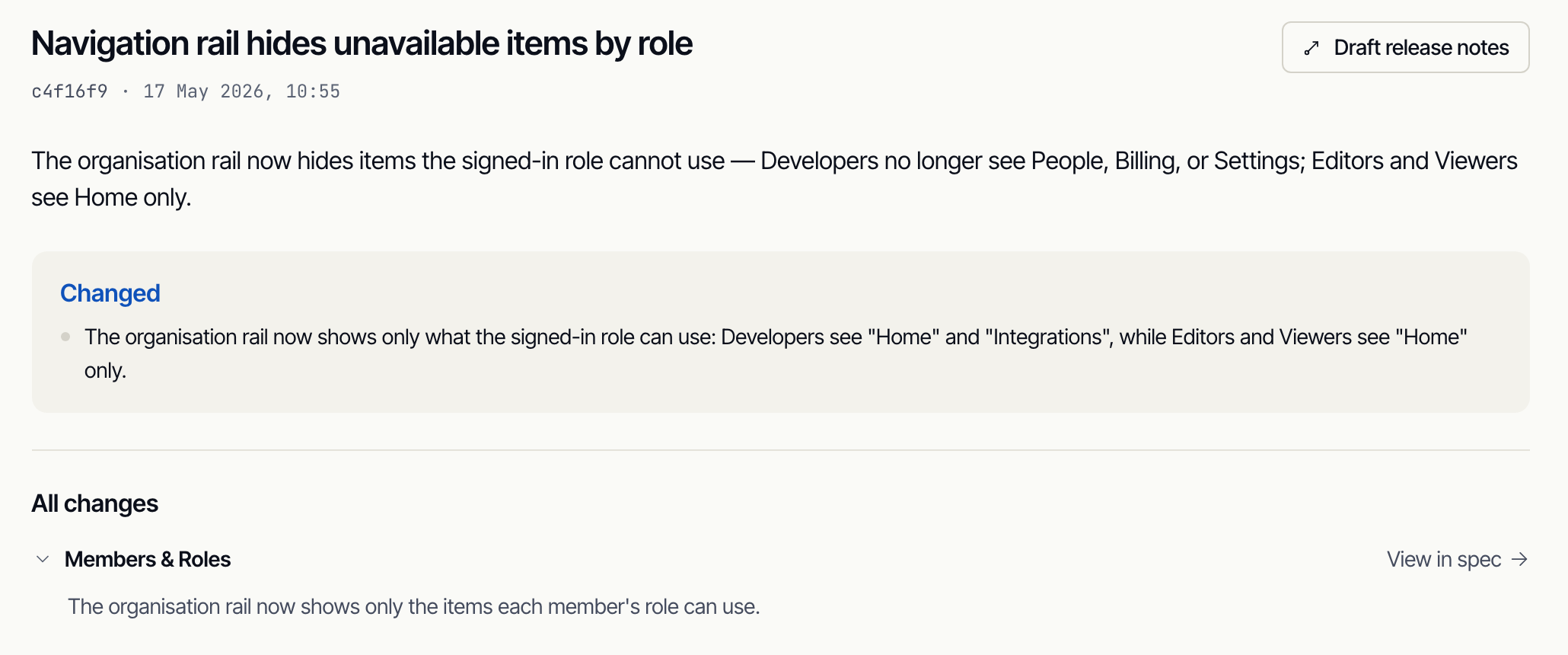
Here's a real one from Specsight's own product, which you can open in the demo project. In May, the organisation menu changed so each role only sees what it can use. Before, Editors and Viewers saw links to pages that then turned them away.
- Engineering changed how the menu works for each role.
- Specsight picked up the change in behaviour from the code.
- It recorded the change against Members & Roles, the feature it belongs to, and added it to that feature's history.
- The team got a plain description of what changed and who sees what now, one click from how Members & Roles works today.
Whatever you use to keep teams updated on product changes, the test is simple. If your sales team heard about the last release from a customer, your updates are reaching engineers and stopping there.
You can see how this looks on a real product in the demo project, which runs on Specsight's own code. When you want it on yours, get started.