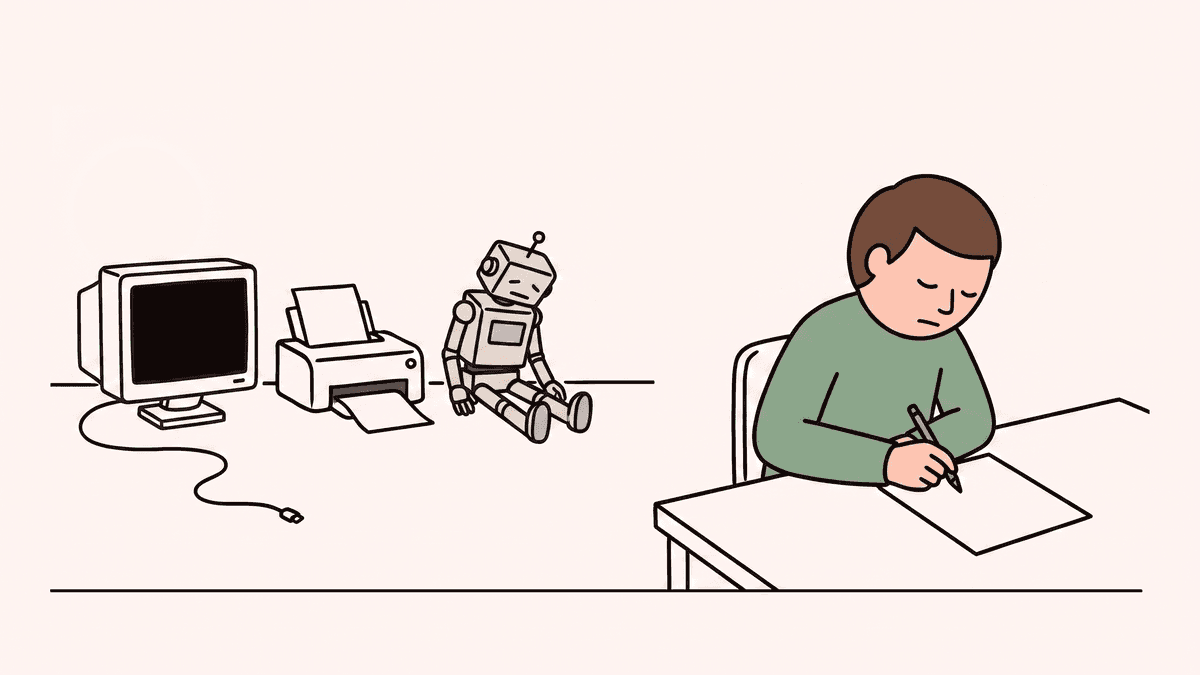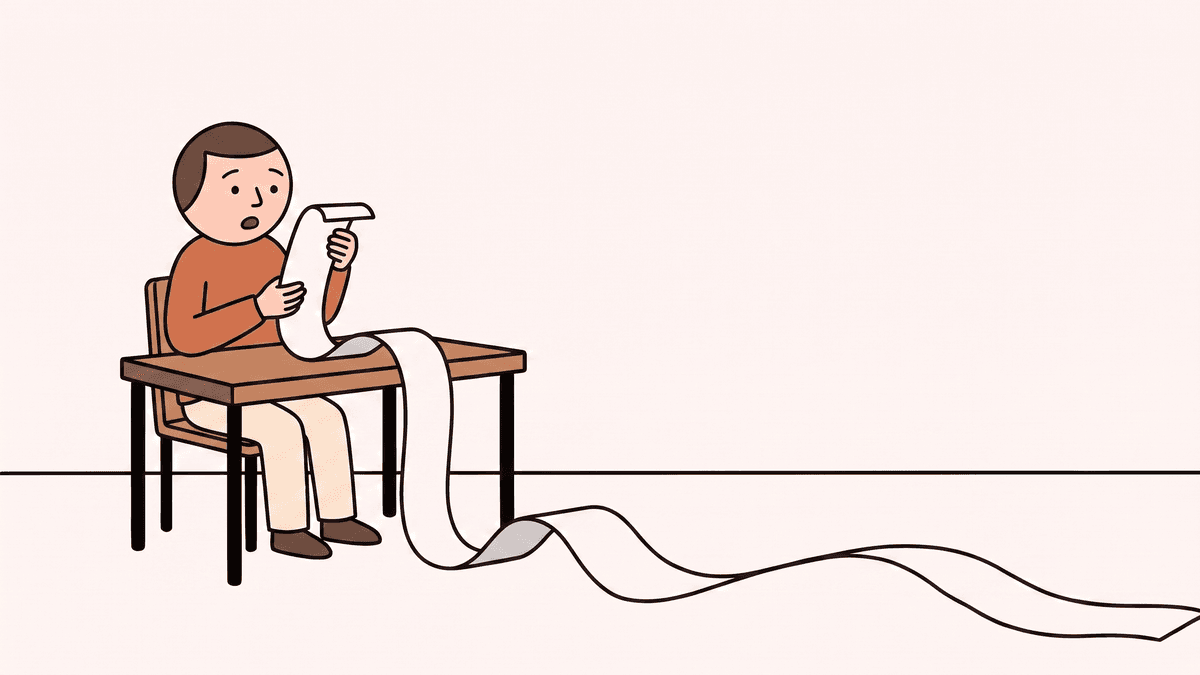
When engineers talk about "living documentation," they usually mean API specs generated from code, or Cucumber test suites that double as behaviour descriptions. Useful for other engineers. Not much use to the PM who needs to answer a stakeholder question, or the customer success manager who has no idea what changed in last Tuesday's release.
A living product specification is different in one critical way: it is written for humans, not machines. Structured, always-accurate documentation of product behaviour — derived from code, but readable by anyone.
If you have not yet read why documentation falls out of sync in the first place, that is the context for why this matters.
What "living" actually means
Most teams have documentation that was living at the time of writing. Then the product shipped, behaviour changed, and the doc stopped being updated. A living spec is not just well-written documentation — it is documentation that is structurally incapable of falling behind the product, because it is derived from the code rather than authored separately.
Every time a release goes out, Specsight analyses what changed and updates the spec to reflect it. Not a weekly batch job. Not a reminder system. The same way a test suite runs automatically, the spec updates automatically. Specsight looks at what changed, understands the business behaviour it implements or removes, and makes targeted updates — usually in a few minutes.
The spec is as accurate as the code. No more, no less.
What it actually looks like
The spec is organised by feature — not by file, not by microservice. By product area, the way your team and your users think about the product.
Within each feature, you get scenarios: individual plain-language descriptions of how the product behaves in a specific situation. Each scenario has three parts:
Context: A user's trial period has expired Action: They attempt to access a premium feature Outcome: They are shown an upgrade prompt and cannot access the feature
That is a complete scenario. Unambiguous. Verifiable by anyone on the team. No code knowledge required.
Scenarios are grouped into three categories: happy path (the expected flow), edge case (unusual but valid situations — often where support tickets originate), and error (what happens when things go wrong). Together, they give a complete picture of a feature's behaviour, not just the ideal path.
Every scenario also carries a changelog — a record of when it was added, when it was updated, and which release triggered the change. When a customer says "this used to work differently," you can verify that without asking engineering.
The Context/Action/Outcome format is covered in detail in the next post.
Who it is for
- Product managers — see what actually shipped, not what was planned; generate change reports for any time range without asking anyone
- Customer success — a reference you can trust, updated before customers ask about changes
- Engineering managers — a complete, readable map of the product for onboarding and handovers
- Stakeholders — plain-language summaries of what changed, ready to share without editing
The design constraint is that anyone on the team should be able to read it without a technical background. That is what separates a living product specification from developer-facing living docs — not the underlying mechanism, but the audience and the output.
See it in practice in the Specsight demo — a real spec generated from Specsight's own codebase, with features, scenarios, and changelog. No account required. Ready to connect your own repository? Get started.